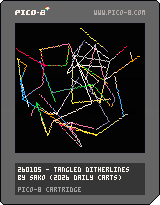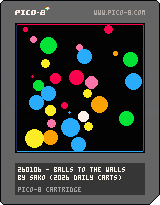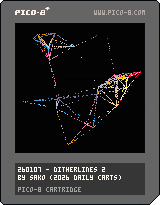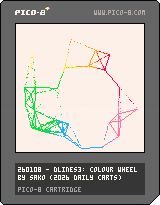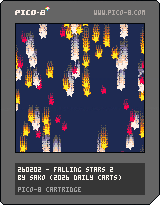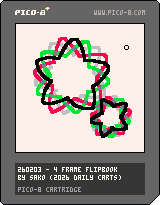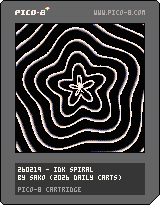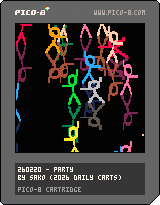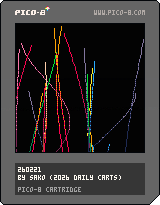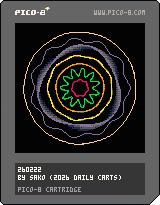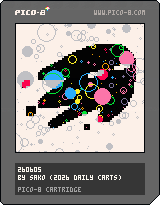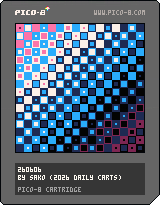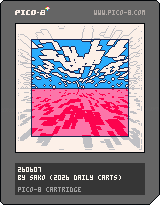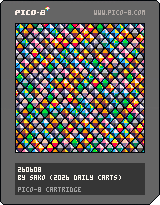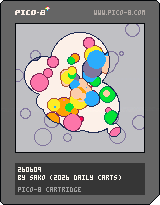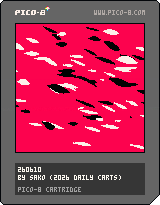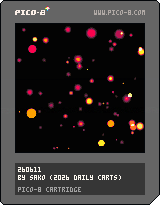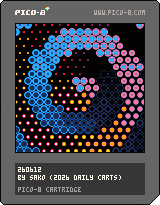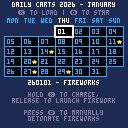
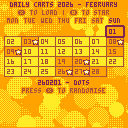
If a cart reacts to mouse hover, that means it's a clickable link to a pico-8-edu.com URL with the cart preloaded. Otherwise, you'll have to load the cart into pico-8 yourself. (You should be able to drag and drop the .png into pico-8 edu edition)
Note: Edu edition URLs remove audio from carts. Some carts may have audio that can only be heard if you load the cart manually (right-click, open image in new tab or save image, and then load into pico-8)
Instructions for how to interact with some carts may be commented at the top of the code. If you're lost, try pressing ESC twice to bring up the code editor and check if anything is written at the top. You can run the cart again with CTRL+R.
----------------
I might not be updating this site with a new cart every single day. I'll be prioritising sharing to socials first, unless I can't save a cart as a link. (jpeg-ified .png carts on bsky won't work lol)
I'll keep this page simple to start with and throw all the carts below here for now. I know this page looks really jank lol, I just need somewhere to put the carts so they're accessible. I'll make this page fancier once I decide on how I want to present the carts.